
Word Lookup gives you instant definitions for any word, using the offline dictionary built into Sensory Readable v3. The dictionary contains 147,000+ words with comprehensive definitions, and works in any Windows application without an internet connection.
How to look up a word
The main way to look up a word is the Word Information popup:
- Hold Ctrl+Shift
- Hover the mouse over the word you want to look up
- The Word Information popup appears with the definition, pronunciation, and related entries
- Release the keys to dismiss the popup
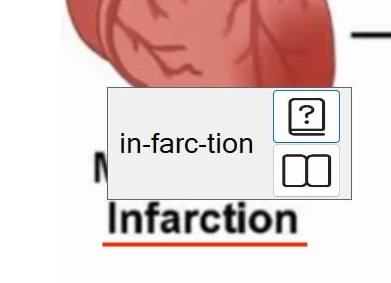
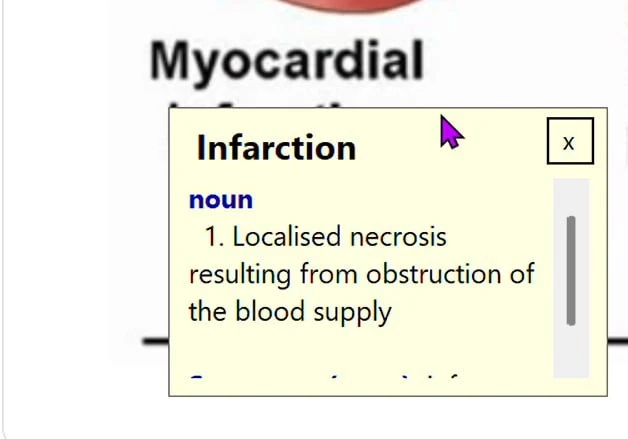
This works in any Windows application — Word, web browsers, PDFs, emails, and so on. For applications where the text is an image (locked PDFs, scanned documents, screenshots), Readable's Smart Dynamic OCR recognises the word on screen first, then looks it up.
What the popup shows
For each word, the dictionary entry includes:
- The headword and pronunciation guide
- Part of speech (noun, verb, adjective, etc.)
- Numbered definitions for each distinct meaning
- Example sentences where helpful
- Cross-links to related entries (synonyms, related forms, homophones)
For full details on the popup itself — including the pictogram, homophone links, and how it integrates with reading — see Word Information popup.
Working offline
The dictionary is installed locally with Sensory Readable v3. Lookups happen instantly because there is no network round-trip. This is particularly important in:
- Secure exam environments where internet access is blocked (if allowed)
- Schools and offices with strict content-filtering policies
- Travel and remote-working scenarios with patchy connectivity
- Privacy-conscious settings where outbound network requests are unwelcome
Because the lookup is offline, no record of the words you look up leaves your PC. Your reading and study patterns stay private.
Related word tools
Word Lookup is one of several built-in word tools. Related features:
- Word Information popup — the popup itself, with pictograms and homophone links
- Thesaurus — synonyms and related words
- Homophones — words that sound the same but spell differently
- Dictionary & Thesaurus — overview of all word tools