
If you're currently running Sensory Readable v2.5 and want to move to v3, there are three ways to do it. Your existing licence covers v3 at no extra cost, and your settings carry over.
1. Download directly with your licence serial key
The simplest route — works for any install type, from any computer.
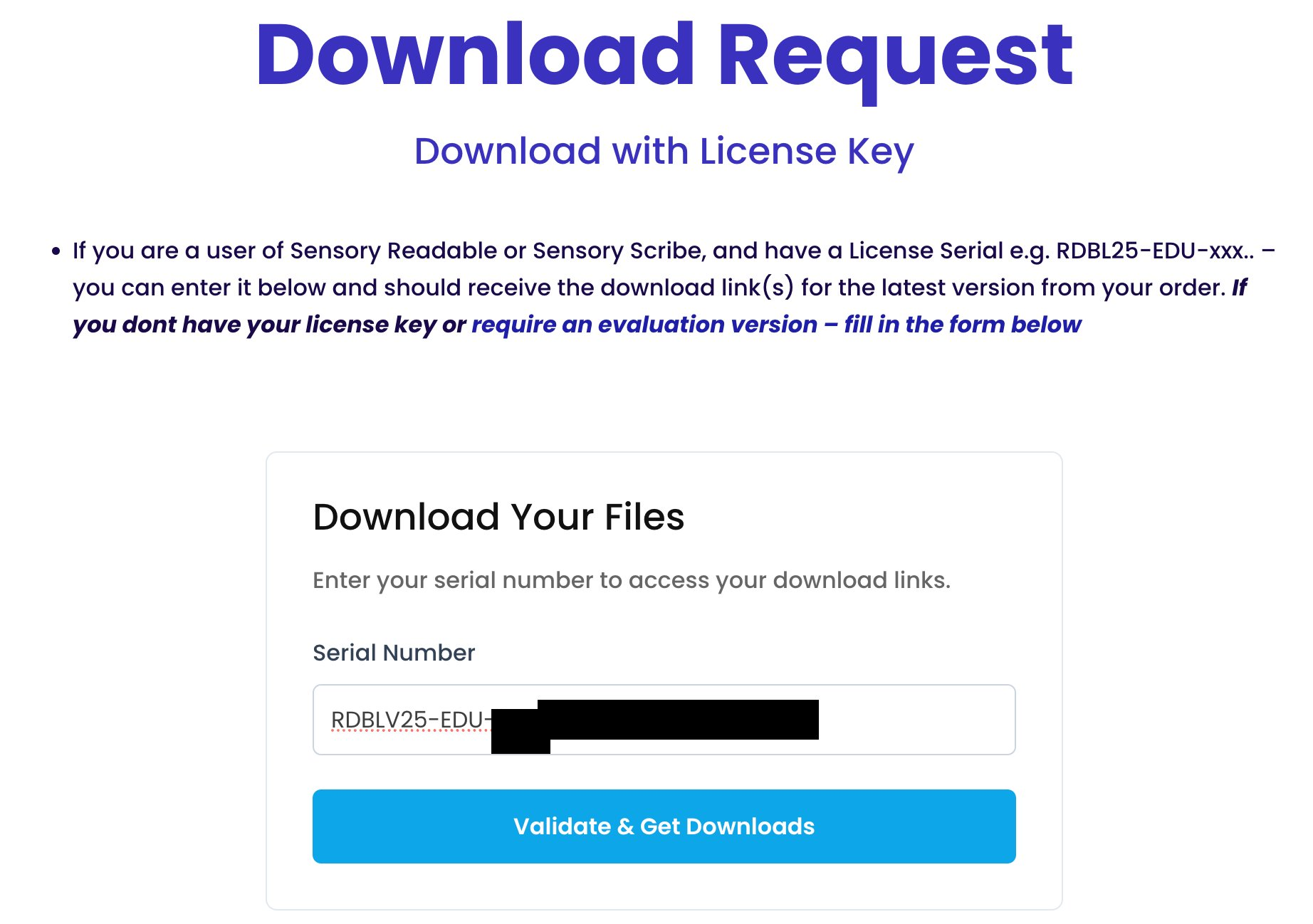
- Go to sensoryreadable.com/download/.
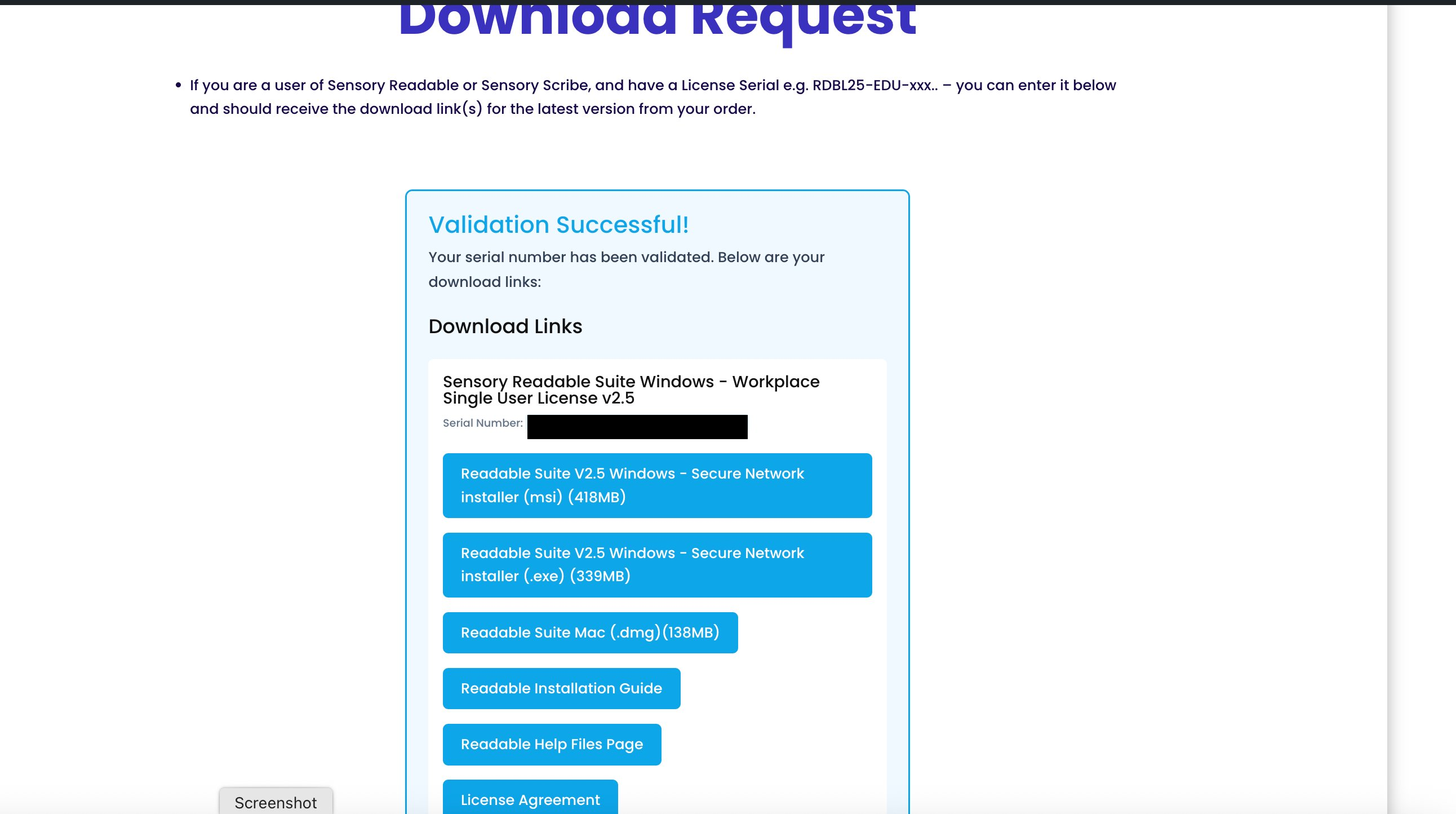
- Enter your licence serial key in the form, or request a download link by email if you don't have it to hand.
- Run the installer. It replaces v2.5 in place and reopens with your existing settings.
2. Use the Check for updates button (.exe installs)
If you installed Readable yourself with the standard .exe installer, v2.5 can fetch v3 directly:
- Open the More menu on the Readable toolbar (the three-dot icon at the far right).
- Choose About Readable.
- Click Check for updates.
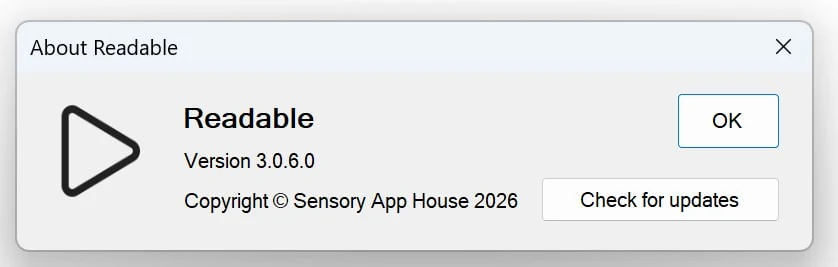
The updater downloads and installs v3 for you. Readable closes briefly during the install and reopens on the new version.
3. Network installs — contact your IT administrator
If there is no Check for updates button in your About Readable dialog, you're running a network-managed (.msi) install. These are deployed centrally by your IT team and the in-app update path is intentionally disabled — the network admin controls when upgrades happen.
Contact your IT administrator and ask them to deploy Sensory Readable v3. They can request the latest network installer via the Network Installation Guide on the Sensory App House site, or by emailing support@sensory-AT.com.
Need a hand with any of this? Contact support@sensory-AT.com with your serial key (if known) and a brief description of how Readable is installed on your computer (standalone download, school/college network, etc.).