
Press Ctrl & Shift to activate word pop-up
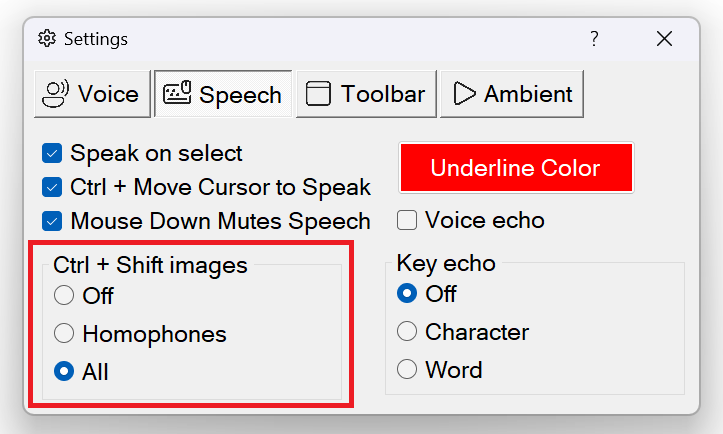
When using Sensory Readable in MS Word or Notepad , pressing the Ctrl key & Shift key together, and then moving the mouse pointer to a word will activate the info popup.Alternatively you can move to the mouse pointer to word and press CTRL + Shift. You might need to enable it first in the Readable Settings. If you have already ticked the "Ctrl+Move cursor to speak" then simply pressing the Shift key and moving the mouse pointer to the word, the info popup should appear.
Depending on the word, you will see the word syllable splits, you may see a Sensory symbol (especially if the word is a homophone) and the word will speak.
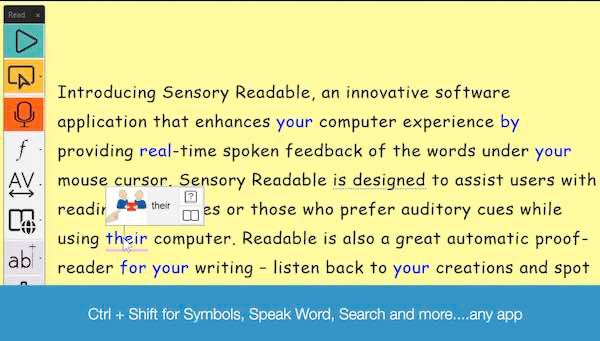
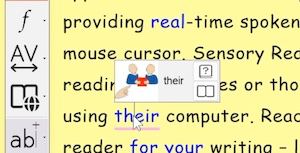
If you are working in Microsoft Word, you will also see link icons to the dictionary and thesaurus.
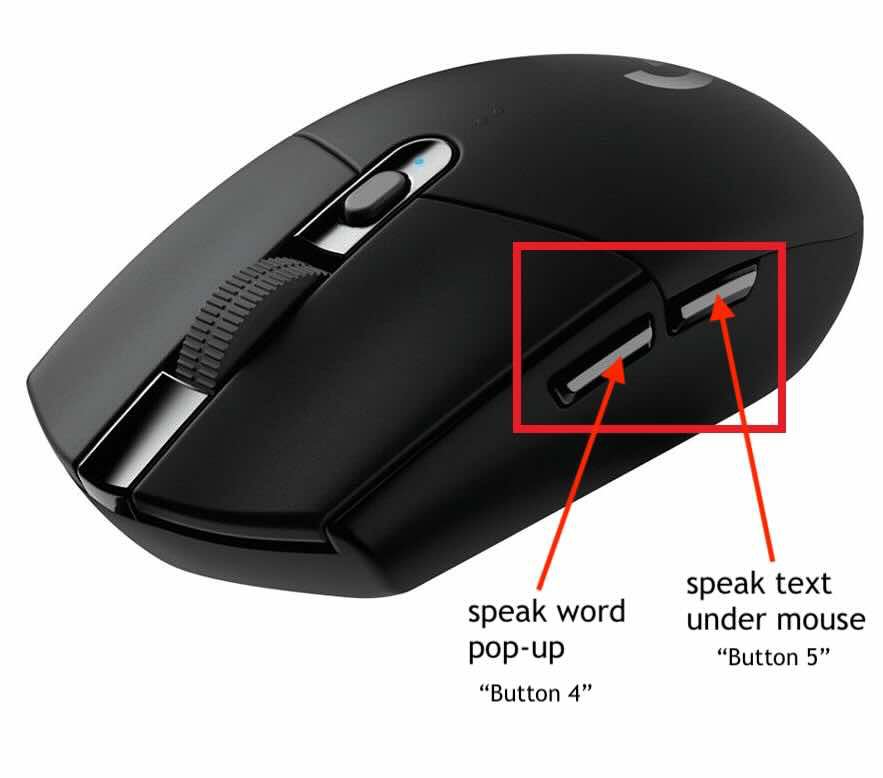
If you have a mouse connected to your PC that has the side buttons available (sometime called a gaming mouse) then pressing "button 4" will perform the same as CTRL+Shift. This means you can move your mouse over the word, then mouse click with your thumb on button 4 which will show the word pop-up (in Microsoft Word or Notepad). Move to another word and press button 4 and that pop up will show again.
Video Help (requires internet)
https://youtube.com/embed/Z77p_Ytm8uM?showinfo=0&rel=0