
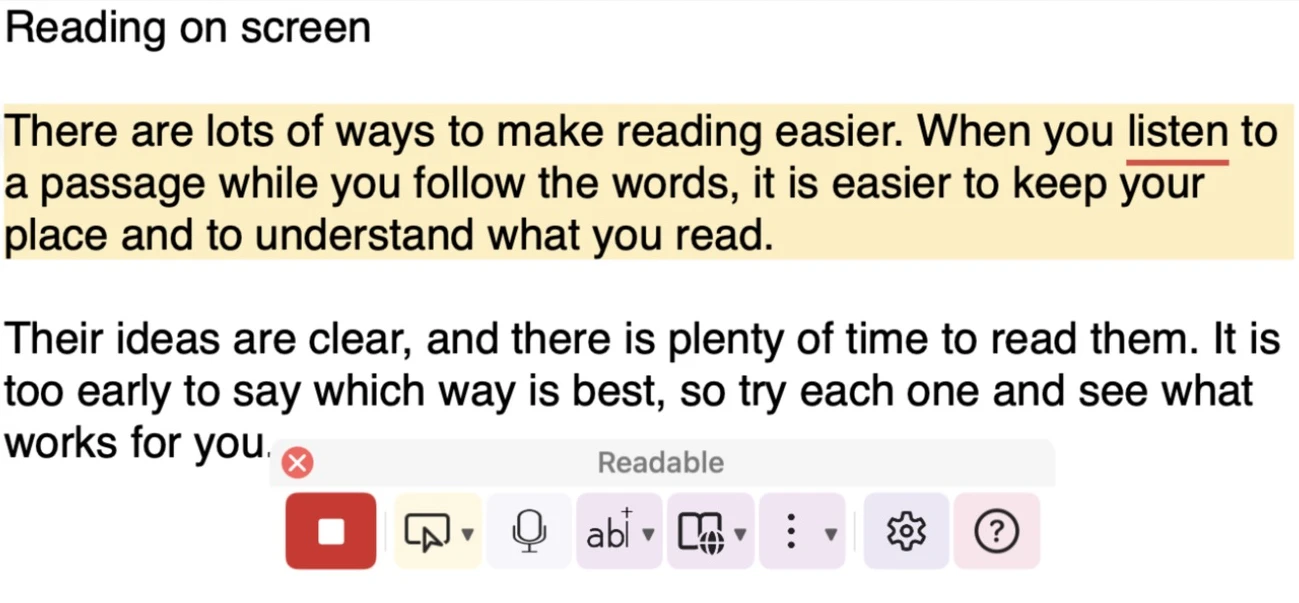
While Readable is speaking, the current word gets a coloured underline directly beneath it, so you can follow along by eye. The underline is on by default, in red, 3 pixels thick.
Changing the underline
Open Settings and go to the Reading tab. The underline settings are under Visual tracking:
- Underline each word as it is spoken
- Untick to turn the underline off.
- Underline colour
- Click the colour swatch to pick a colour.
- Thickness
- From 1 to 10 pixels.