
Ambient sounds play quietly in the background while you work, which some people find helps them concentrate. The volume drops automatically while Readable is reading aloud and rises again when it stops.
Choosing a sound
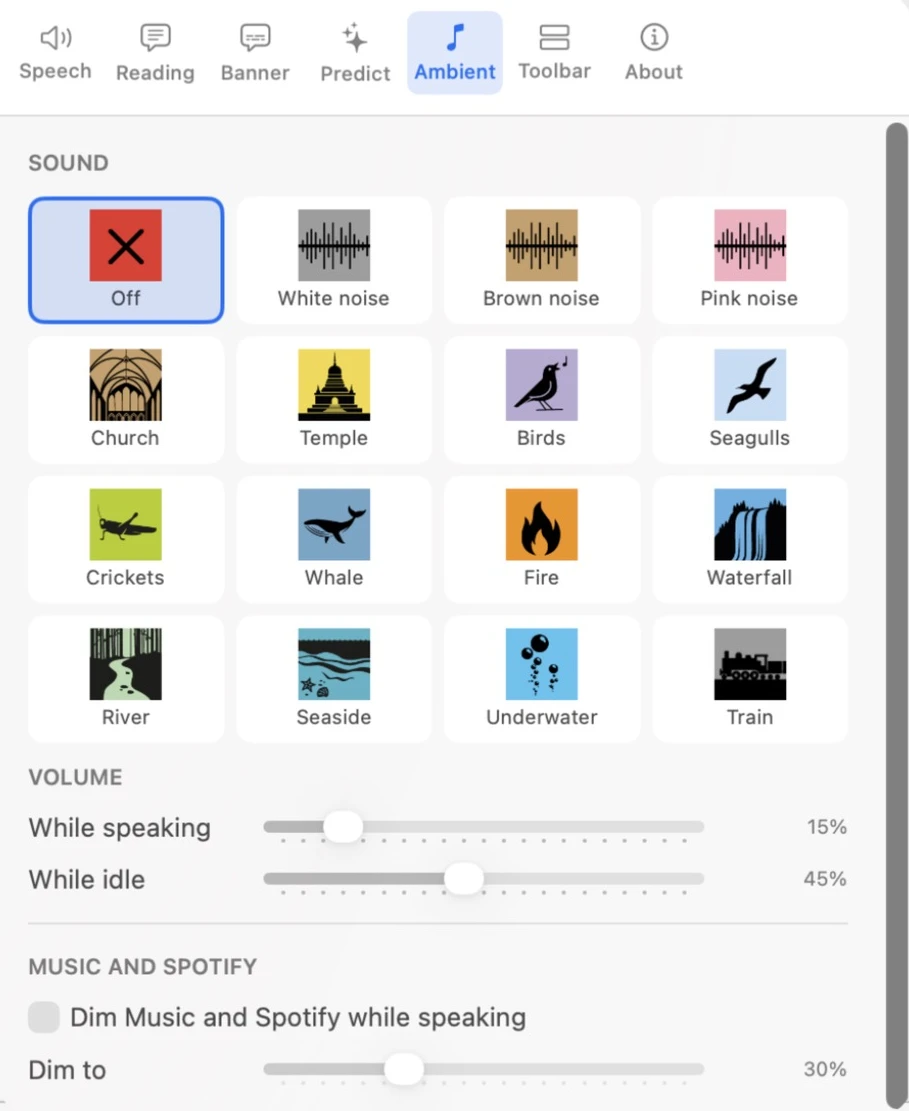
Open Settings and go to the Ambient tab. Click a sound to choose it, or Off for none:
White noise, Brown noise, Pink noise, Church, Temple, Birds, Seagulls, Crickets, Whale, Fire, Waterfall, River, Seaside, Underwater and Train.
Volume
- While speaking
- The volume while Readable is reading aloud (15% by default).
- While idle
- The volume the rest of the time (45% by default).
Quick on/off
Once you’ve chosen a sound, an Ambient sound item appears in the Hover ▾ dropdown. Use it to switch the sound off and on again without opening Settings.
Readable can also lower the volume of the Music and Spotify apps while it reads — see Dim Music and Spotify.