
Hold ⌃ Control+⇧ Shift while pointing at any word, or press ⌥ Option+⌘ Command+I with the pointer over it. The Word Information popup appears just above the word without taking focus from the app you’re in.
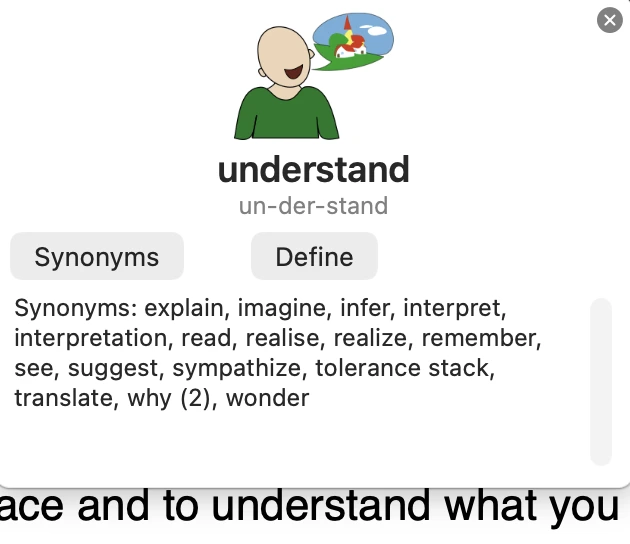
The popup shows:
- a symbol for the word, where one is available
- the word broken into syllables
- Synonyms — shown when the word has synonyms
- Define — the definition from the macOS dictionary, shown right in the popup
- Homophones — shown only when the word has words that sound the same
If there’s no symbol for a word and your Mac is online, the popup may show a photo instead.
The Word Information popup works in any app, including text in images and PDFs.