
Readable can turn the text you select into an audio file you can listen to later — on your Mac, a phone, or a PC. This works the same way in every app, including Microsoft Word.
- Select the text you want to save.
- Choose Save to audio file… from the More ▾ dropdown.
- Choose a name and location, then click Save. The selected text is converted to audio.
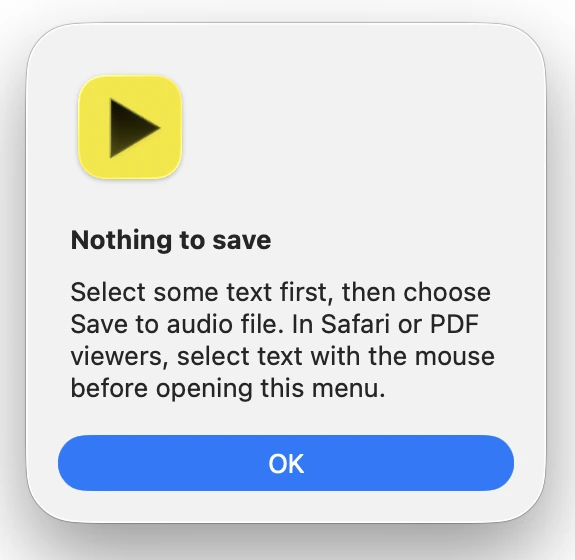
Only the selected text is saved. If nothing is selected, Readable shows a Nothing to save message instead — select some text and try again.
The file is saved as M4A using your chosen voice and rate. M4A plays on Macs, iPhones, Android phones and PCs, so it can be copied to a device or shared. When the file is ready, Readable tells you where it was saved.

Video help
A short video showing this feature in Readable for Mac v2. The video only contacts Vimeo once you press play.