
Readable for Mac v2 runs on macOS 14 Sonoma or later. It is supplied as a .dmg installer, together with a licence serial key. Open the .dmg file to install Readable.
Because Readable reads text from other apps and types predictions into them, macOS asks you to allow a few permissions. You only need to do this once.
The two main permissions
- Accessibility
- Lets Readable read text from other apps, follow the text cursor, and type word predictions into the app you’re using.
- Screen Recording
- Lets Readable recognise text on screen — so it can read PDFs, images, and apps that don’t share their text. Readable uses it only to recognise text.
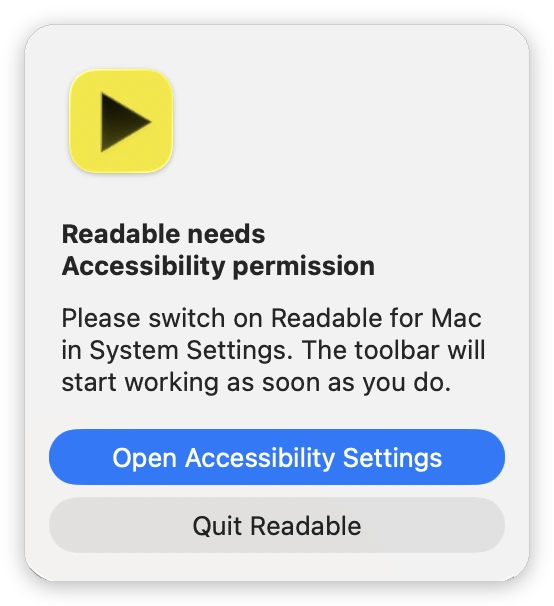
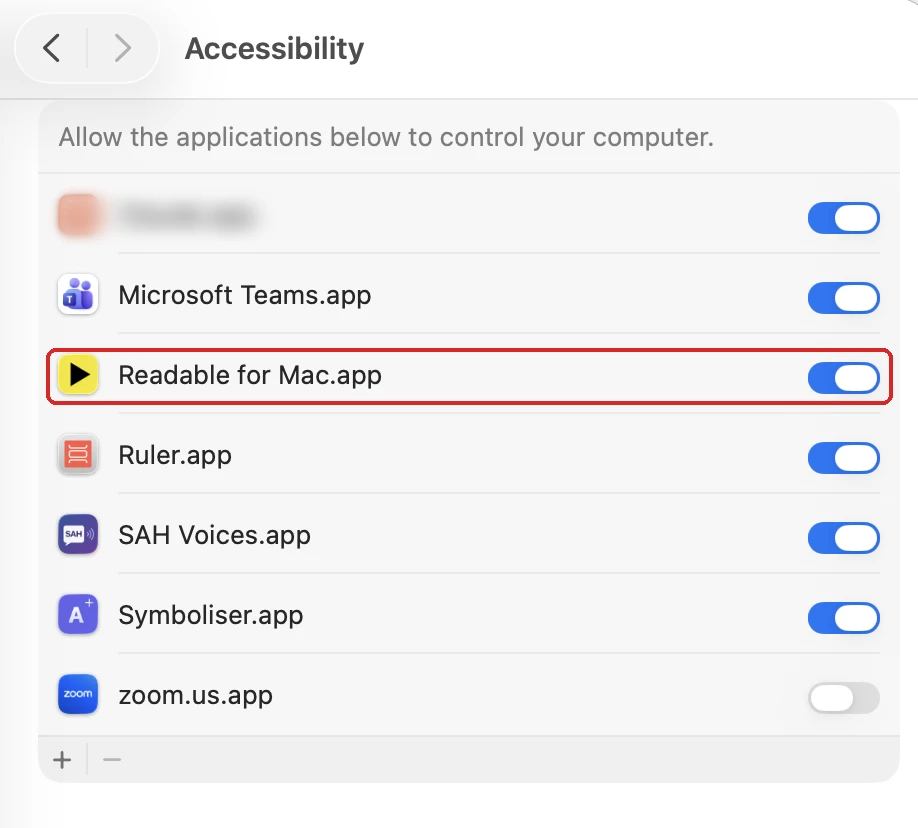
When you first start Readable it asks for any missing permission, one at a time, so you’re never juggling several system prompts at once. Click Open Accessibility Settings (or Open Screen Recording Settings) and switch on Readable for Mac in the list. Readable starts working as soon as you do. Once Screen Recording is switched on, Readable restarts itself so the change takes effect.
Permissions you may be asked for later
- Automation (Microsoft Word, Pages, Music, Spotify)
- The first time you use Text appearance or homophones in Word or Pages, or turn on Dim Music and Spotify, macOS asks whether Readable may control that app. This is asked once per app. If you said no, go to System Settings → Privacy & Security → Automation, find Readable, and tick the app.
- Microphone and Speech Recognition
- Asked the first time you use voice input.
Re-checking permissions
If Readable stops reading from other apps — for example after a macOS update — right-click the Readable icon in the menu bar and choose Re-check permissions…. The same button is on the About tab of Settings.