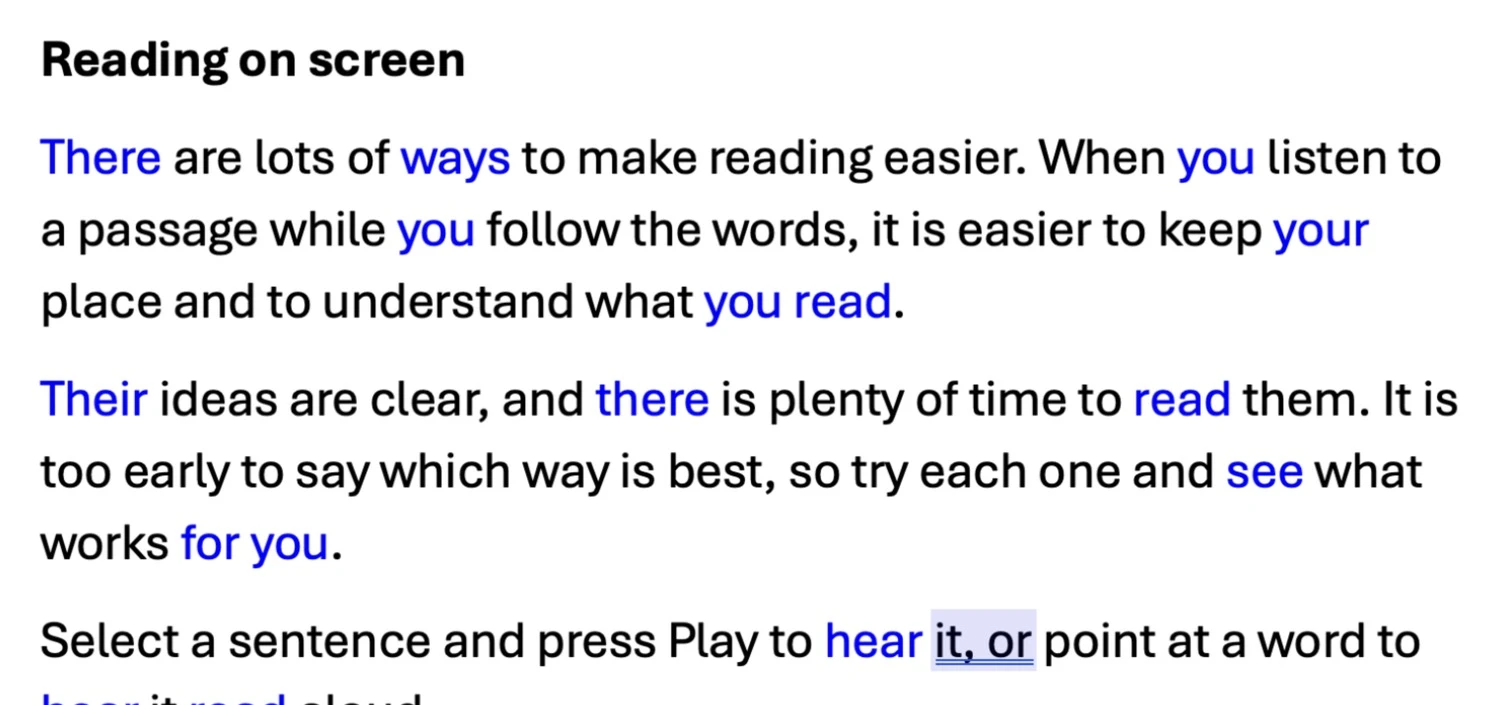
Homophones are words that sound the same but are spelled differently — their, there and they’re, for example. A spellchecker won’t catch the wrong one, so Readable can highlight them for you to check.
- Open your document in Microsoft Word or Apple Pages.
- Choose Show homophones from the Check ▾ dropdown. Every word in the document that is on Readable’s homophones list turns blue.
- Check each blue word. Point at one and hold Control and Shift to see its homophones in the Word Information popup.
- Choose Clear homophones to set them all back to black.