
The Flow command analyses the readability of your text — how smoothly it moves from one sentence to the next and from one idea to the next. Writeable identifies abrupt transitions, repetitive sentence patterns, and breaks in logical progression, and suggests ways to improve the reading experience.

What Flow analysis produces
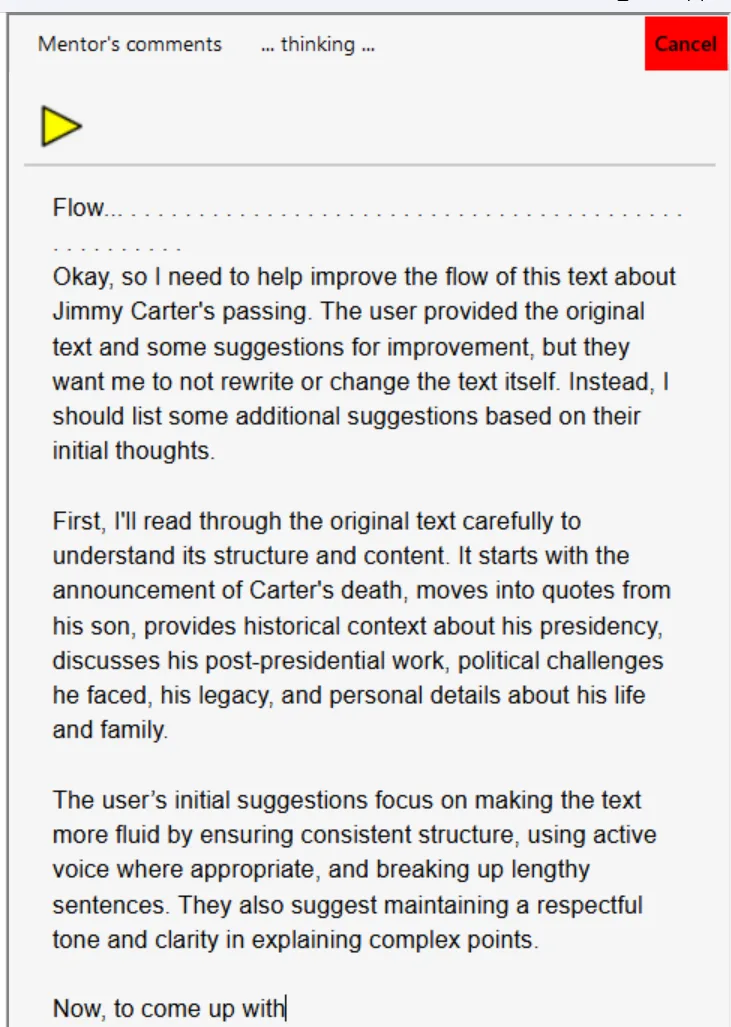
Below is a typical Flow output on a sample article, showing specific suggestions for improving text flow and readability.
Flow analysis works well alongside Structure (which reviews overall organisation) and Style (which reviews vocabulary and tone) for a thorough review of your writing.
We suggest reviewing the suggestions carefully. If helpful, click in the comment pane and press the Play button to hear them read aloud with text-to-speech.
Offline and private: Writeable for Windows does not send your text to the internet. All analysis is performed locally on your PC using an on-device AI model.