
Checking your current version
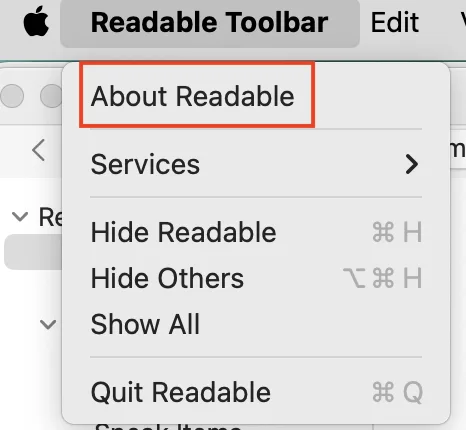
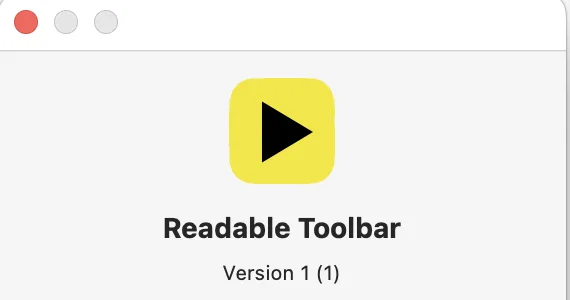
Open the Readable Toolbar menu in the Mac menu bar and select About to see your current version number.
Getting the latest version
Visit sensoryreadable.com and go to the Downloads section to check for and download the latest version of Readable Toolbar for Mac.
Alternatively, contact us at support@sensory-AT.com — include your licence serial code if available when requesting an update.