
Click the Captions button on the Readable Toolbar to open macOS Caption settings, or go to System Settings → Accessibility → Captions.

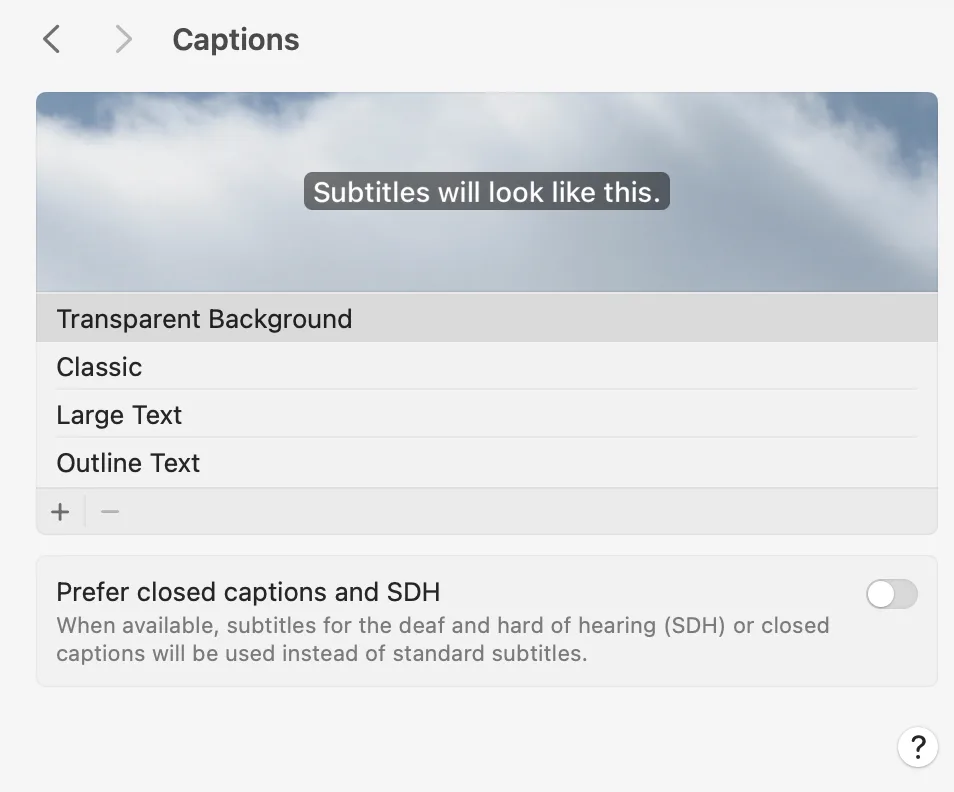
Subtitles and closed captions
You can customise the appearance of subtitles and closed captions, including font size, colour, and background style. macOS can also automatically show subtitles (SDH) or closed captions whenever they are available in videos or audio.
Live Captions
If your Mac supports it, you can enable Live Captions — a real-time transcription of spoken audio from your computer and from conversations around you. This is a powerful accessibility feature for users who are deaf or hard of hearing, or who find it easier to follow along with text.
Availability: Live Captions in macOS 15 (Sequoia) are currently available when the system language is set to US English. To check or change your language: System Settings → General → Language & Region. Support for additional languages may be added in future macOS updates.