
Writeable has a text input area where you paste the writing you want to analyse. Writeable does not connect to your documents directly — you copy text from your source document and paste it in.
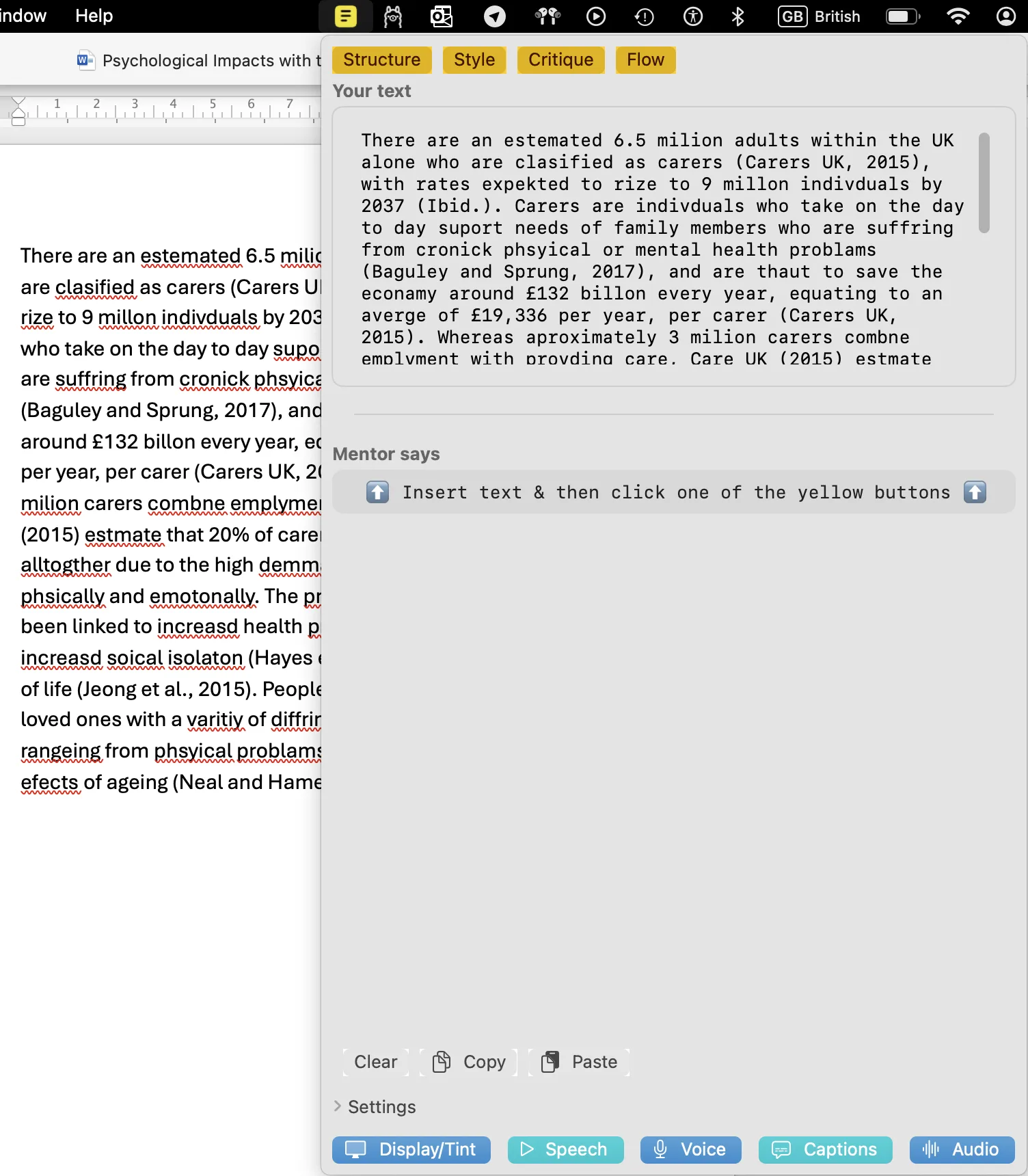
How to add text
- Open your document — in Word, Pages, a web browser, or any other application.
- Select the text you want to analyse and copy it (⌘C).
- Click the yellow Writeable icon in the macOS menu bar to open Writeable.
- Click in the text input area and paste (⌘V).
- Choose an analysis command to begin.
Your original document is not changed
Writeable analyses the text you paste in and places its feedback in a separate comment pane. Your original document is never touched. You choose which suggestions, if any, to apply to your own work.
Tip: Before running a Writeable analysis, consider using Apple Writing Tools to correct spelling and grammar first. Starting with cleaner text helps Writeable focus its feedback on structure, style, and argument rather than surface errors.