
After you run a writing analysis, Writeable displays its feedback in the comment pane. This is where all commentary and suggestions appear.
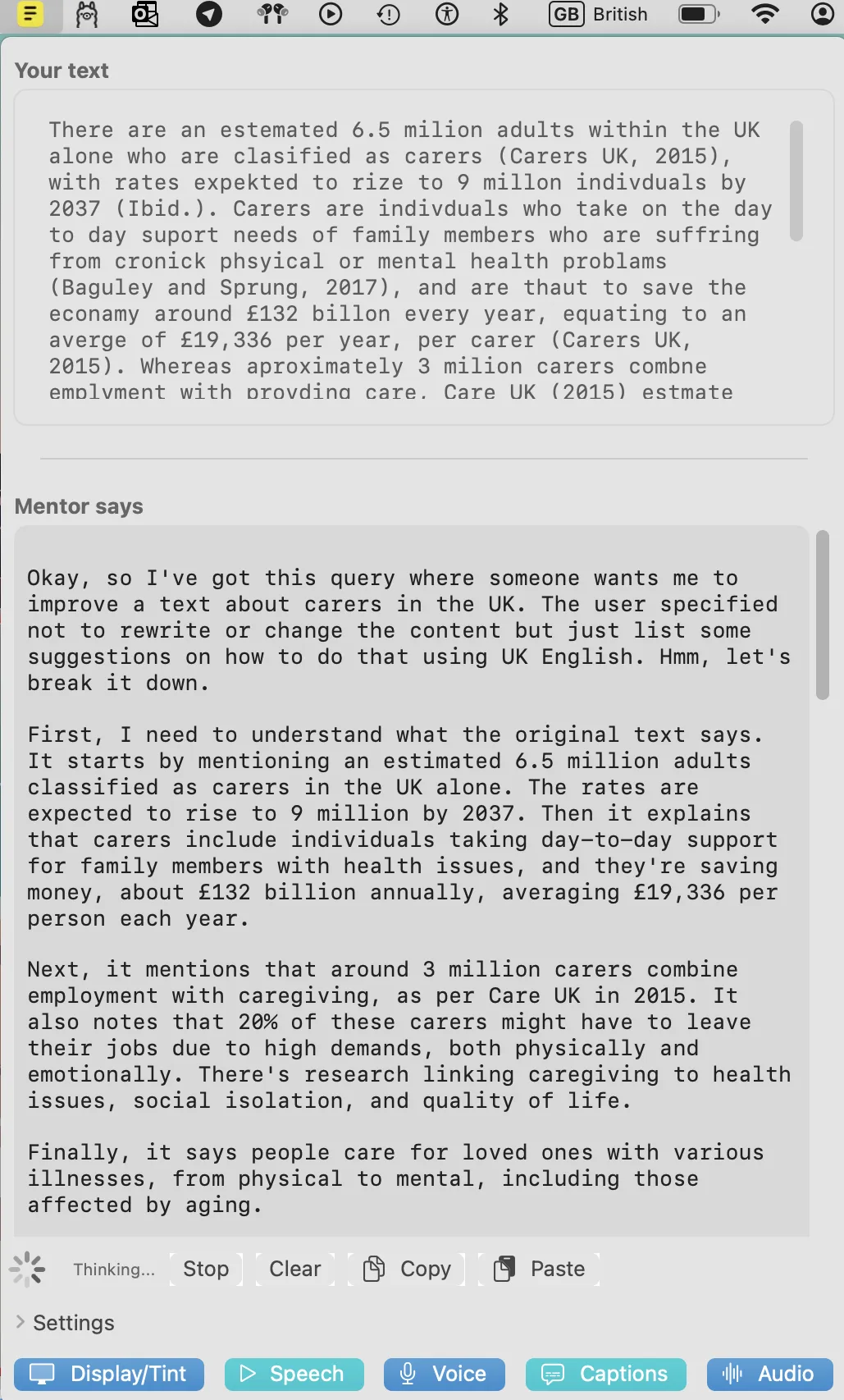
What the comment pane shows
The comment pane is structured in two parts:
- Commentary — an initial analysis of the submitted text, describing what was found.
- Suggestions — specific numbered suggestions for improvement based on the chosen analysis type.
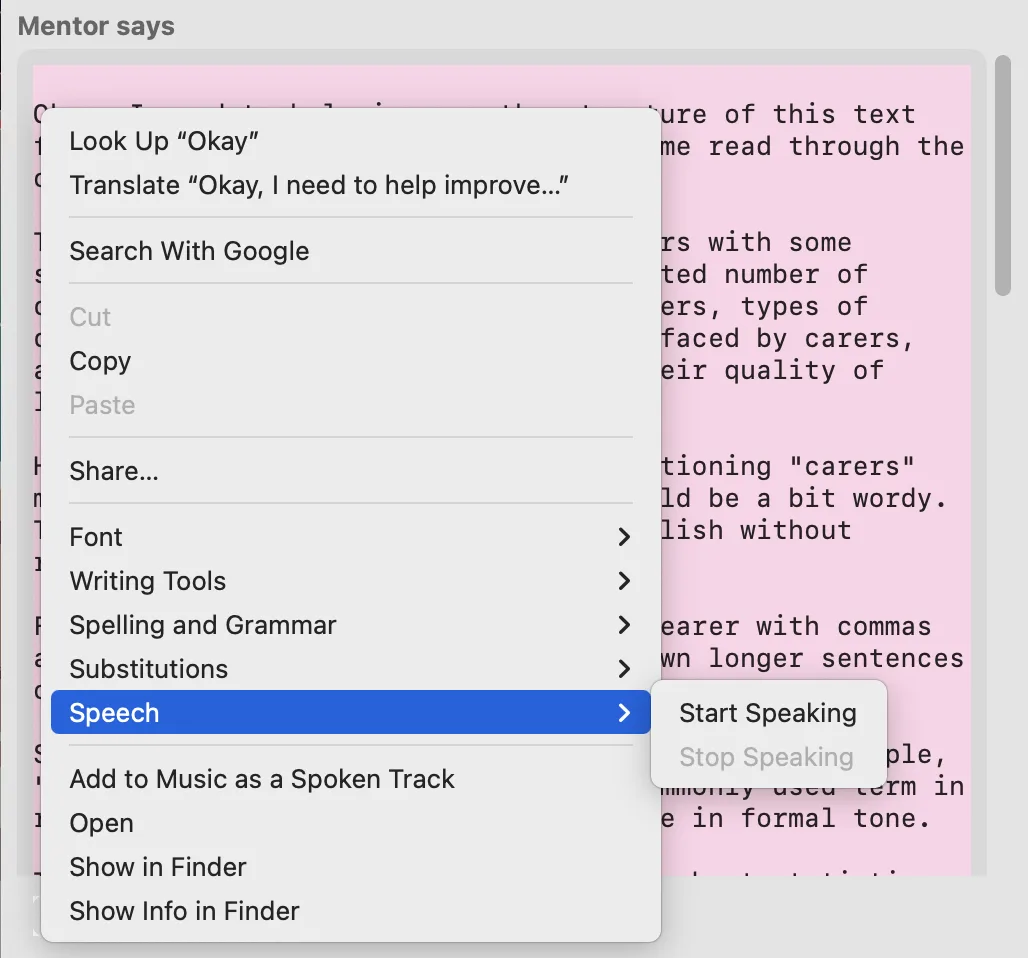
Using text-to-speech
The built-in text-to-speech toolbar is available in the comment pane, allowing you to hear the feedback read aloud. This is useful for reviewing longer analyses without reading the screen.
Copying suggestions
You can select text in the comment pane and copy it (⌘C) to paste into your own document or notes. This is useful for keeping a record of the suggestions alongside your work.
Writeable will not automatically apply its suggestions to your document. All changes to your original text are made by you, at your own discretion.