
Sensory Writeable for Mac is an offline writing companion application for macOS. It analyses your writing using an on-device large language model (LLM) and provides structured, detailed feedback — all processed locally on your Mac, with no data sent to the internet.

What Sensory Writeable does
Writeable acts as a digital writing mentor. You paste your text into Writeable and choose an analysis type. Writeable then produces a commentary and suggestions for improvement. Importantly, Writeable never changes your original document automatically — the suggestions are for you to consider and apply to your own work.
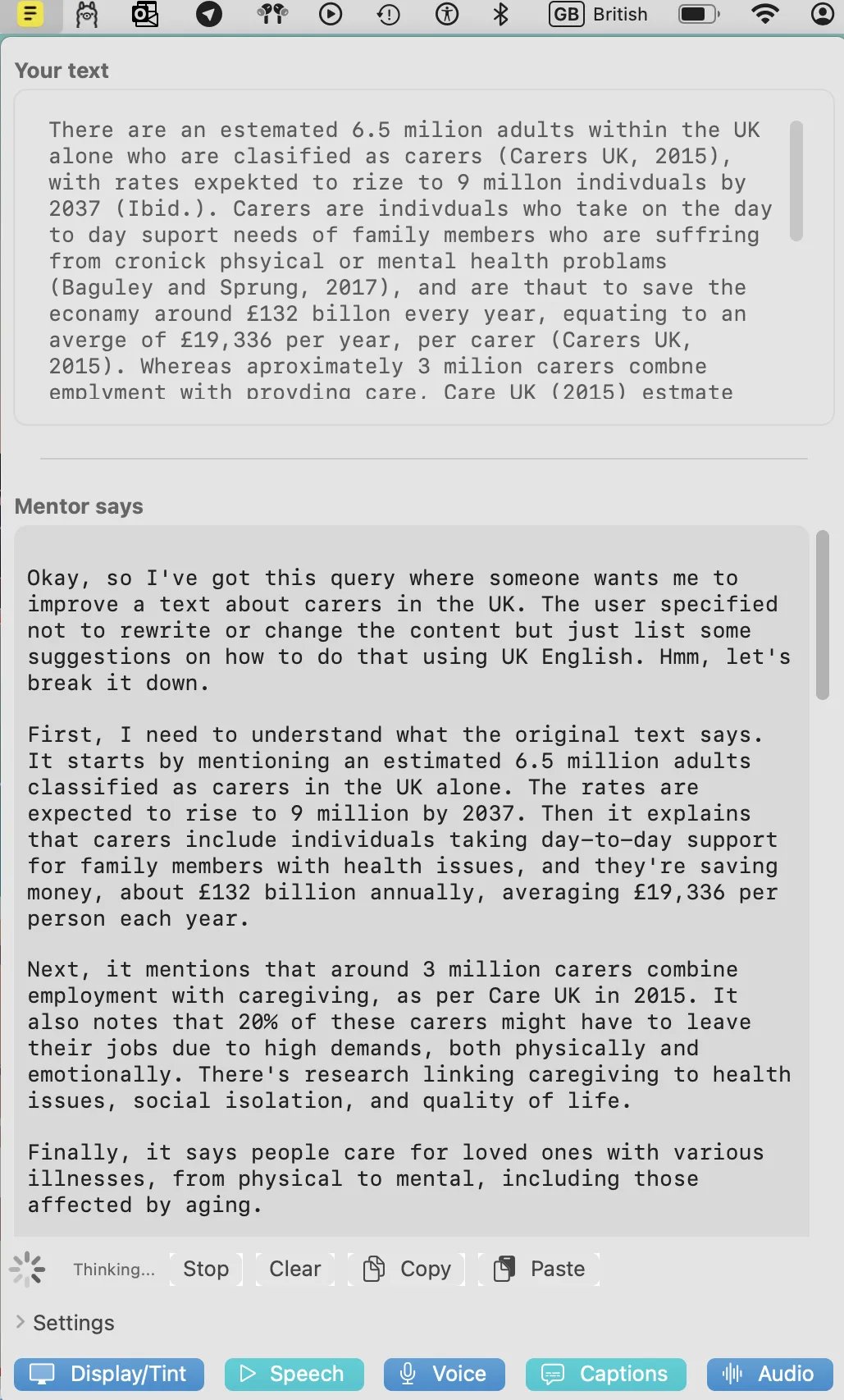
Writeable provides four types of writing analysis — Structure, Style, Critique, and Flow — each focused on a different aspect of formal or academic writing.
How to open Writeable
Sensory Writeable lives in the macOS menu bar. Click the yellow Writeable icon in the top menu bar at any time to open it.
Key features
- Four analysis types — Structure, Style, Critique, and Flow
- Offline and private — all analysis performed on-device, text never sent to internet
- UK English — suggestions made in UK English, suited to academic and workplace writing
- Apple Writing Tools integration — proofread spelling and grammar before analysis (macOS Sequoia)
- Readable Toolbar for Mac included — quick access to macOS display, speech, voice control, captions, and audio settings
- Text-to-speech in comment pane — hear suggestions read aloud
System requirements
For best performance, Sensory Writeable requires:
- Processor: Apple M1 or later (Intel Macs are supported but analysis will be slower)
- Memory: 16GB RAM recommended
- macOS: macOS Sequoia recommended for full Writing Tools integration