
Sensory Scribe for Mac records audio from live events and turns spoken words into text in real time, entirely on your device. No internet connection is required and no audio is ever sent to external servers.
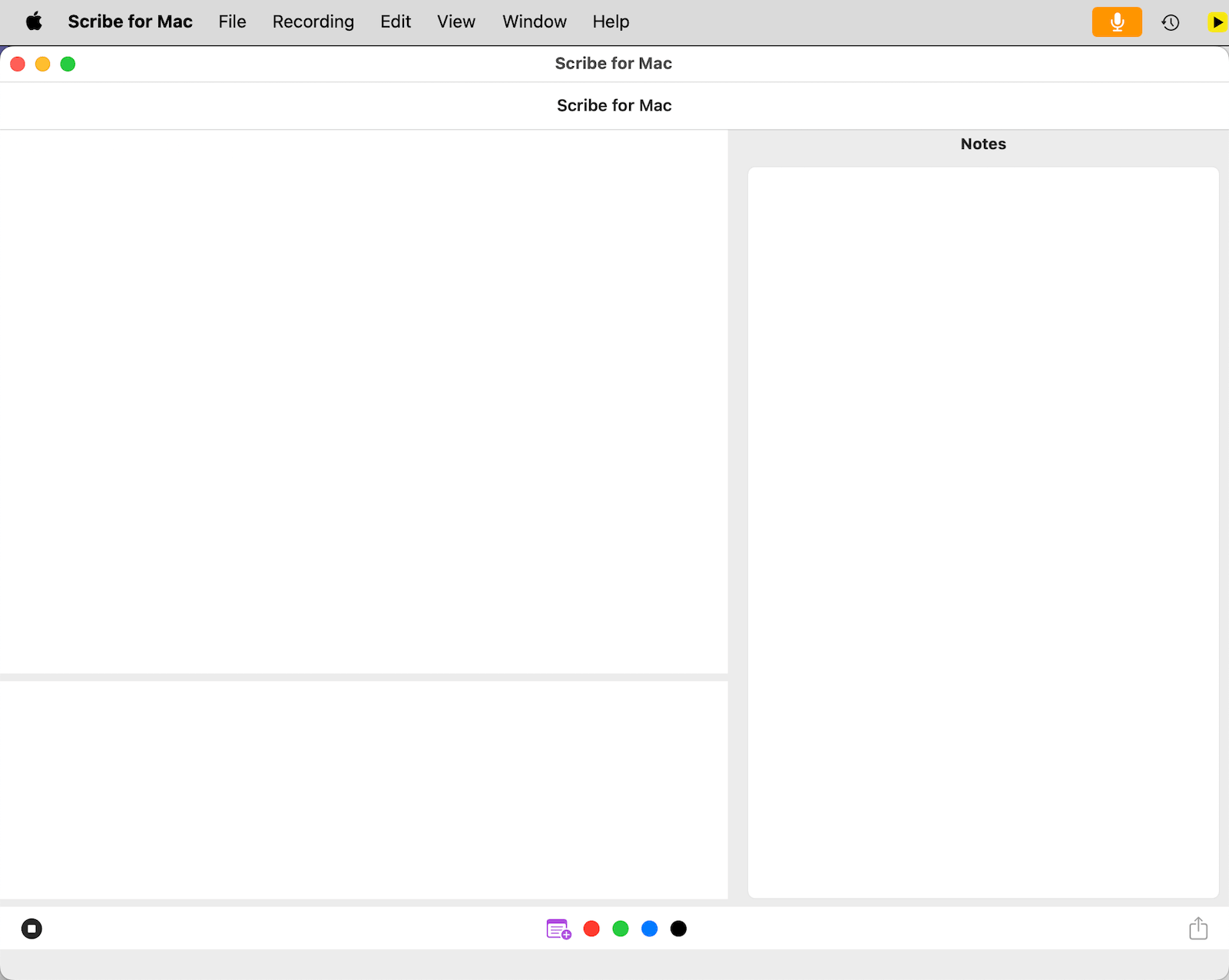
Every recording is saved locally in your Documents folder as a self-contained package containing the audio, transcript, timing data, and any markers or notes you added.
Quick start
- Record Live — Connect a microphone, press ⌘ R, and watch your transcript build in real time.
- Annotate — Use ⌘ ⌃ 1–4 to drop colour-coded markers at key moments as you record.
- Review — Play back with synchronised word highlighting. Click any marker to jump straight to that moment in the audio.
- Share — Export as a ZIP archive containing audio, transcript, timing data, and markers.
How Scribe for Mac is different from Scribe for Windows
Both versions provide real-time offline transcription, colour markers, a notes panel, and synchronised audio playback. Key differences:
- Mac — Uses Apple's Neural Engine for transcription. Recordings saved as macOS packages (
.m4aaudio,Transcript.json,Markers_Notes.xml). - Windows — Uses Microsoft's Live Captions feature. Requires Windows 11 v22H2 or newer. Recordings saved as a folder of text, MP3, and SRT files.
See also: Sensory Scribe for Windows Help →