
Welcome to Readable Notes from Sensory App House. Readable Notes is a talking notepad and word processor with powerful built-in text-to-speech using natural voices. It is available for Mac, Windows, and Chromebook.
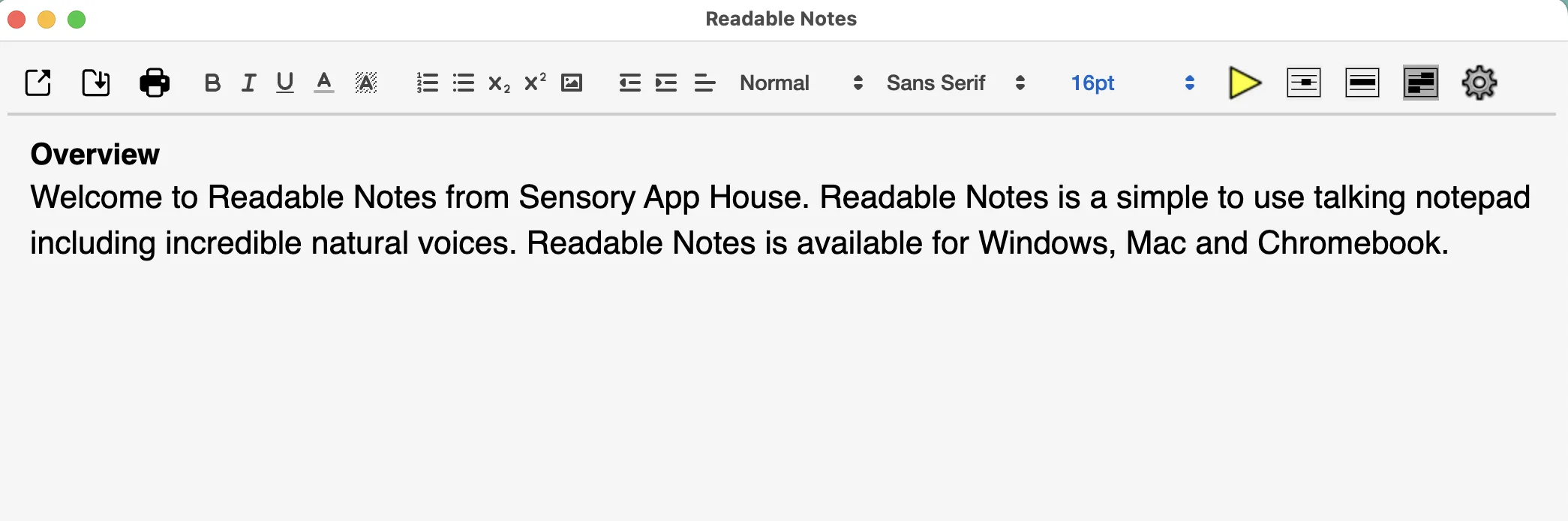
What Readable Notes for Mac includes
- Natural text-to-speech voices — hear any text in your document read aloud
- Hover speech — move your mouse over text to hear individual words, lines, or blocks
- Cursor Speak — use the arrow keys to navigate and hear your text
- Word prediction — suggestions appear as you type to speed up writing
- Speech dictation — speak your text and it appears in the document
- Writing Tools integration — proofread, rewrite, and summarise with macOS Writing Tools (Sequoia)
- System spellchecking — errors underlined as you type, with the option to turn this off for exams
- Open .docx, .txt, and .html files — save and print from within the app

Help topics in this guide
- Toolbar Guide — a walkthrough of every toolbar button
- Speech Settings — voice, rate, volume, hover, and keyboard speak options
- Word Prediction — enabling and using word prediction on Mac
- Speech Dictation — using macOS dictation and Voice Control with Readable Notes
- Writing Tools — proofreading, rewriting, and spellchecking
- Getting Help — how to contact Sensory App House