
Welcome to Sensory Tint. Sensory Tint is a Windows accessibility application that tints your screen. You can choose any colour to suit your viewing situation. Sensory Tint will tint extended or dual displays.
It is a simple app to set up, and can be minimised to the system tray when being used.
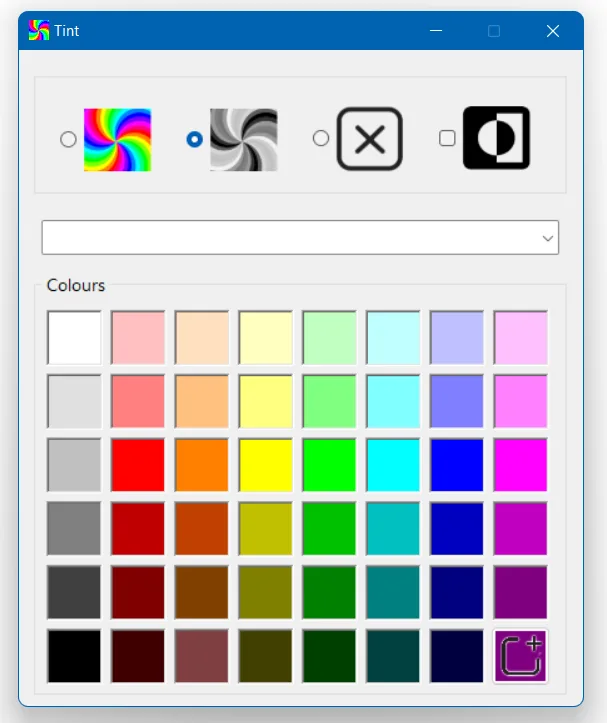
Choose the colour of the screen tint that you prefer. The screen will stay tinted until Sensory Tint is closed.
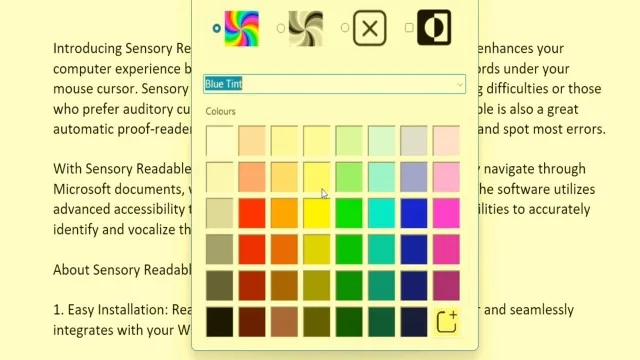
The four colour mode options are Full Colour, Mono, None and Inverted
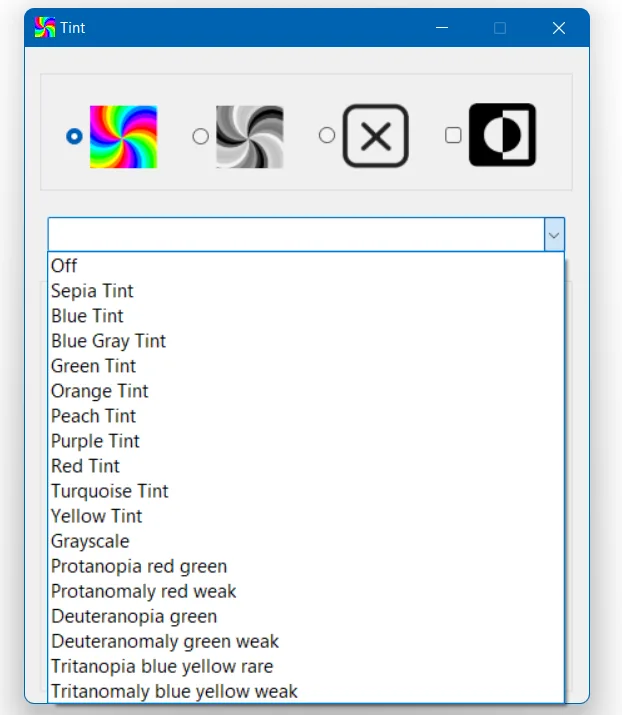
In addition to the colour palette available, there is a pull-down list of preset tints and effects that can be selected. This pull-down list includes some adjustments to colours (not a tint) that may assist with colour vision deficiency.
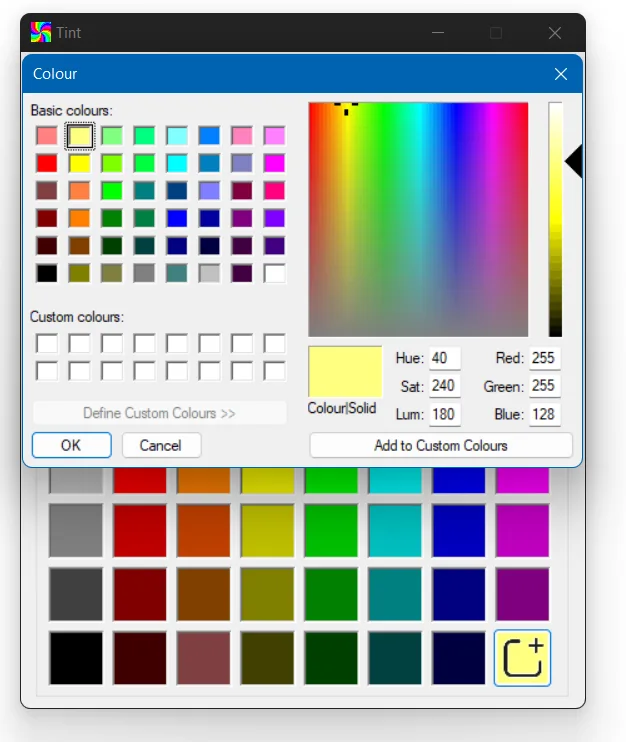
You can adjust the colour palette to add custom colours if preferred.
The video shows how to change the tint selections.