
Welcome to Sensory Markers, a screen tool for Microsoft Windows computers. Sensory Markers are transparent icons that can be dragged around the screen to help with reading, viewing focus or important information. Markers may be helpful for use with multiple displays or very large displays. The Sensory Markers toolbar is shown below.
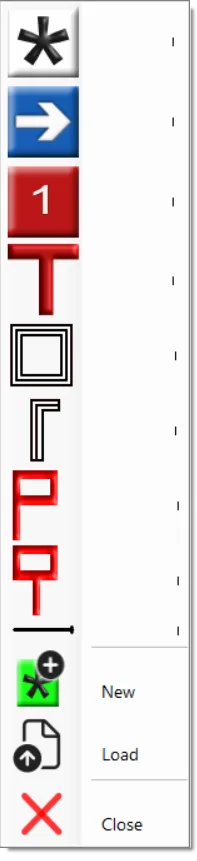
To launch Markers following installation on your PC, type Markers in the Windows search box and select the Markers app icon to launch.

On launch, Markers will add the default Marker to your screen, that you can drag around with your mouse pointer and move into a new position. If you right-click your mouse you can change the Marker, add additional markers, or close the Markers down.
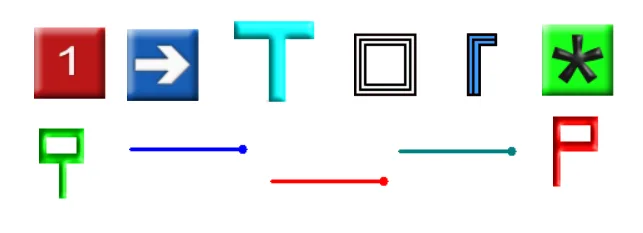
Here are the styles of Markers included, and you can also add your own type or style of Marker. The markers are provided in different colours and shapes.
Overview Video for Sensory Markers (internet required)